

Blog
Doxad Articles
Guides, tips, and updates on getting document work done faster.

5 Free Alternatives to Adobe Acrobat for Everyday PDF Tasks
Jul 22, 2026 · 11 min read
How to Convert Multiple Photos Into One PDF File
Whether it's receipts, a signed contract, or a photo essay, here's how to combine several photos into a single, well-ordered PDF document.
Why Is My PDF File So Large? How to Shrink It Without Losing Quality
Most oversized PDFs are large because of the images inside them, not the text. Here's how to find out why, and shrink the file properly.
How to Sign a PDF Online Without Printing It
You don't need a printer, a pen, or a scanner to sign a document anymore. Here's how to add a real signature to a PDF entirely online.
How to Fill Out a PDF Form Online for Free
How to Fill Out a PDF Form Online for Free
Printing a PDF form just to fill it in by hand is unnecessary in 2026. Here's how to type directly into any PDF form in your browser.
How to Delete Pages From a PDF
How to Delete Pages From a PDF
A blank cover page, a duplicate scan, an outdated appendix — here's how to remove unwanted pages from a PDF without touching the rest.
How to Rotate a PDF Page and Save It Permanently
How to Rotate a PDF Page and Save It Permanently
A sideways page in a PDF viewer is a minor annoyance. Sideways in a printed document is a real problem. Here's how to fix it for good.
How to Split a PDF Into Separate Files
How to Split a PDF Into Separate Files
Need just a few pages from a long PDF, or want to break one document into several? Here's how to split a PDF quickly and precisely.
How to Merge Multiple PDF Files Into One Document
How to Merge Multiple PDF Files Into One Document
Stop sending five separate PDF attachments. Here's how to combine multiple PDFs into a single, correctly ordered document in seconds.
How to Compress an Image Without Losing Quality
How to Compress an Image Without Losing Quality
You can shrink an image file significantly before anyone notices a quality difference. Here's how much compression is safe, and how to do it.
What Is a WebP File, and How Do You Convert It to JPG?
What Is a WebP File, and How Do You Convert It to JPG?
WebP images are smaller but not always supported everywhere. Here's what WebP is and how to convert it to universally compatible JPG.
How to Convert PNG to JPG Without Losing Quality
How to Convert PNG to JPG Without Losing Quality
PNG files can be much larger than they need to be. Here's how to convert PNG to JPG and shrink the file size while keeping the image looking sharp.
How to Export PDF Pages as PNG Images
How to Export PDF Pages as PNG Images
For diagrams, screenshots, or anything with sharp text, PNG beats JPG. Here's how to export PDF pages as crisp, lossless PNG images.
How to Convert a PDF to JPG Images
How to Convert a PDF to JPG Images
Sometimes you need a PDF page as a plain image — for a slide, a social post, or a thumbnail. Here's how to export PDF pages as JPG files.
How to Convert PNG to PDF Without Losing Quality
How to Convert PNG to PDF Without Losing Quality
PNG files are often screenshots or graphics with sharp edges and text — here's how to convert them to PDF without any compression artifacts.
How to Convert JPG to PDF From Your Phone or Computer
How to Convert JPG to PDF From Your Phone or Computer
Turning photos into a PDF is the easiest way to send them as one document instead of a pile of separate image files. Here's how, on any device.
How to Convert Word to PDF Without Breaking Your Formatting
How to Convert Word to PDF Without Breaking Your Formatting
Turning a Word document into a PDF should be simple, but fonts and layout can shift between devices. Here's how to convert it correctly, every time.
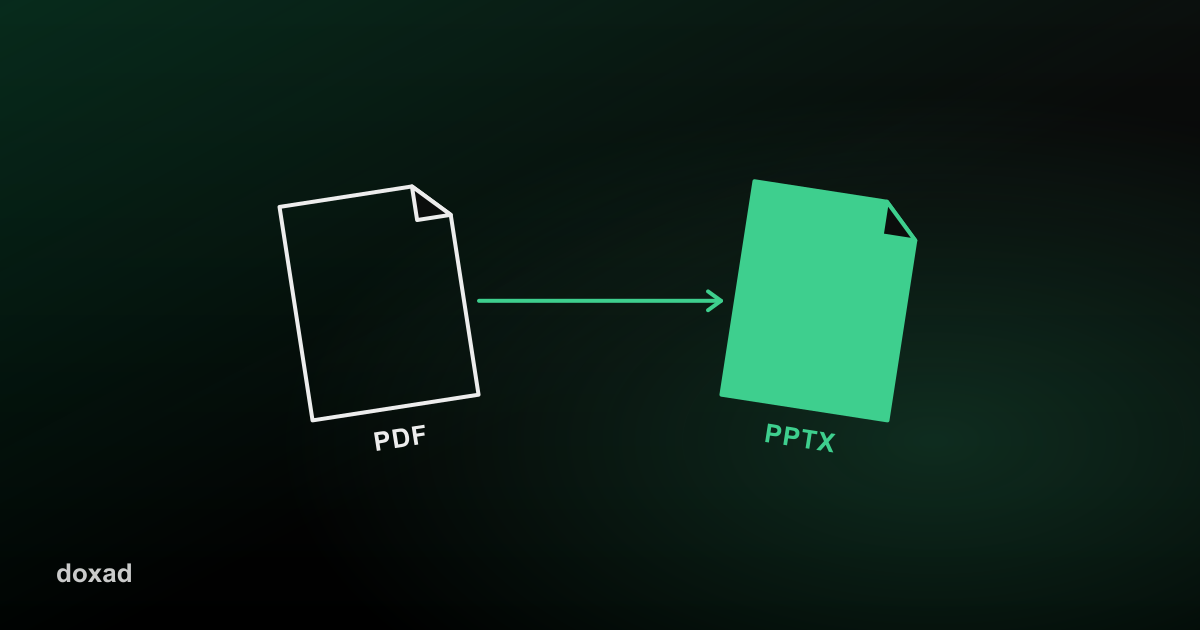
How to Turn a PDF Into an Editable PowerPoint Presentation
How to Turn a PDF Into an Editable PowerPoint Presentation
Need to edit slides that only exist as a PDF? Here's how to convert a PDF into an editable PowerPoint (.pptx) file, one slide per page.
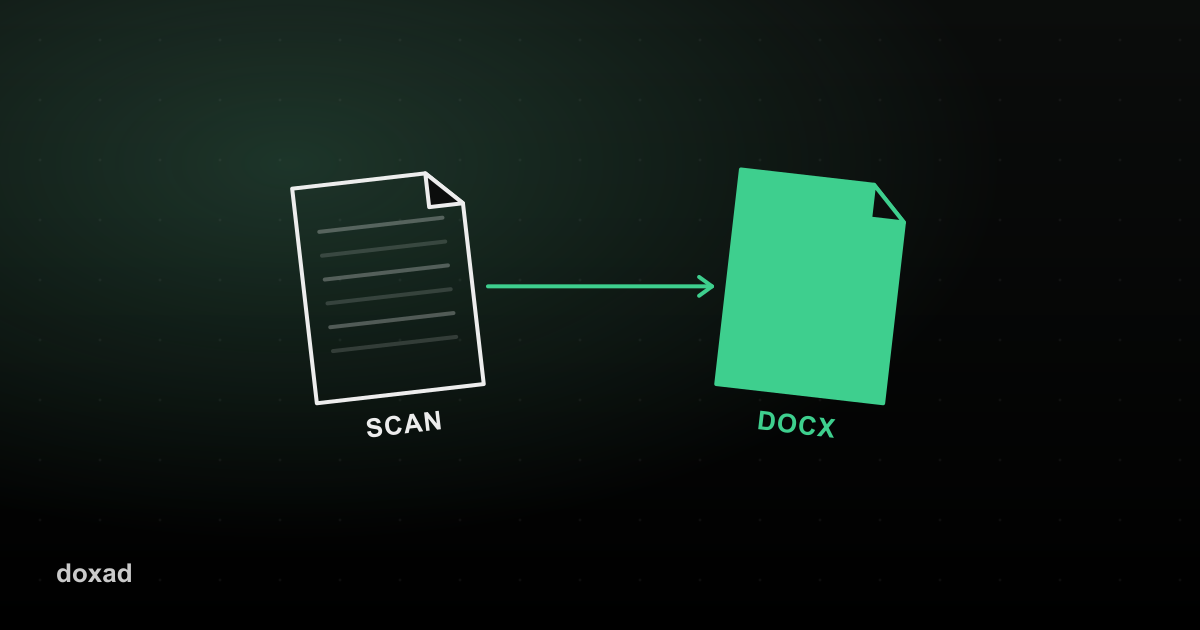
How to Convert a Scanned PDF to an Editable Word Document (With OCR)
How to Convert a Scanned PDF to an Editable Word Document (With OCR)
Scanned PDFs are just images of text, not real text. Here's how OCR turns a scanned document into an editable Word file you can actually type in.
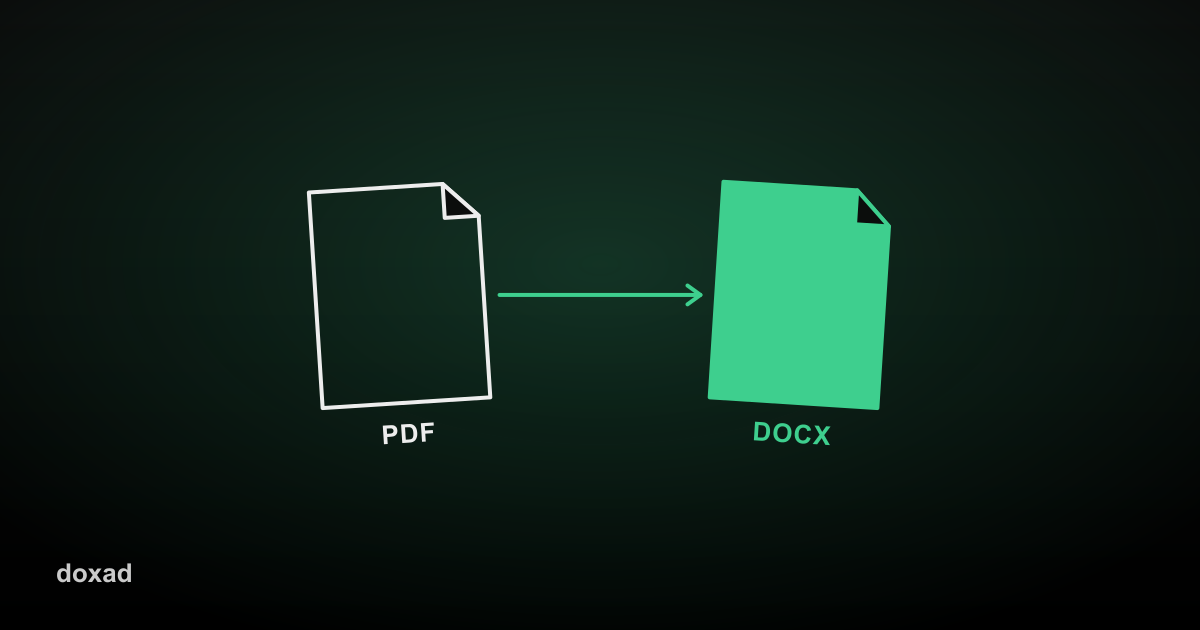
How to Convert a PDF to Word Without Losing Formatting
How to Convert a PDF to Word Without Losing Formatting
Fonts, tables, and page layout usually break when you convert a PDF to Word. Here's how to avoid that and get a clean, editable .docx file.