
Guides
How to Split a PDF Into Separate Files
Jul 16, 20266 min readby Doxad Team
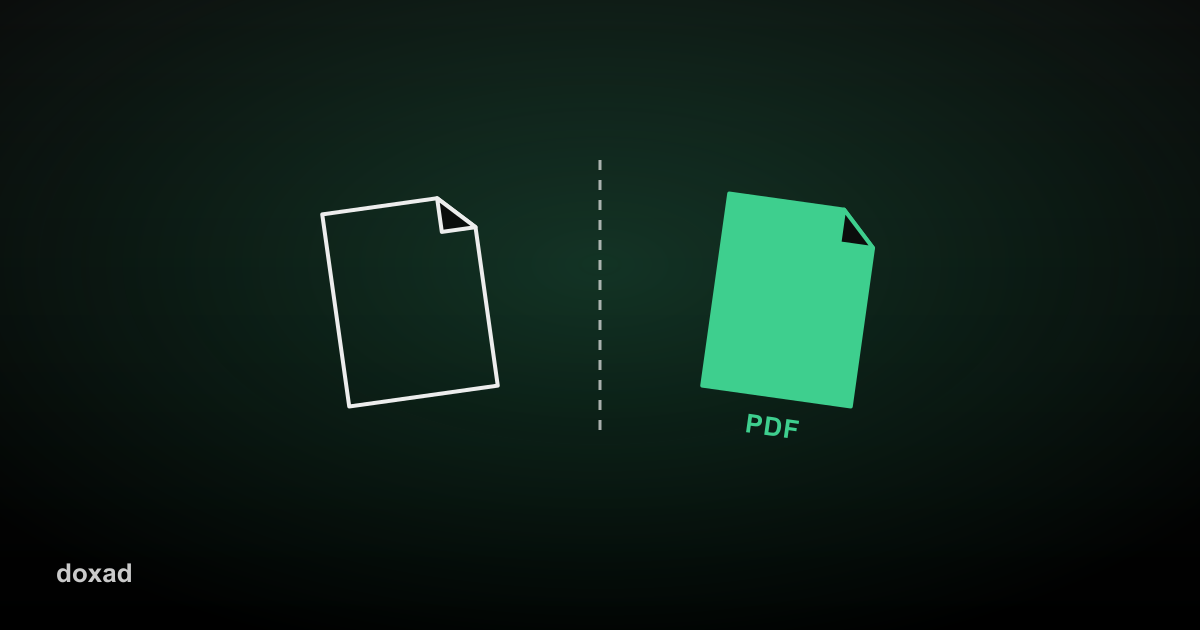
Splitting a PDF breaks one document into smaller files — either by page range, or into individual single-page files — so you can share, archive, or edit just the part you actually need.
Common reasons to split a PDF
- Pulling one chapter out of a long report or ebook.
- Separating an invoice from a larger batch document your accounting software emailed you.
- Breaking a scanned multi-document stack back into its original separate files.
How to split a PDF
- Open the PDF Splitter.
- Upload the PDF you want to split.
- Choose the page ranges or split points you need.
- Download the resulting files.
A quicker alternative for small trims
If you only need to remove a few unwanted pages rather than split into multiple documents, Delete PDF Pages is faster — it's built specifically for that.
FAQ
Can I split by specific page numbers?
Yes — specify the exact range or ranges you want extracted into their own files.
What happens to the original file?
It's untouched — splitting creates new files from the original without modifying it.
Can I put the split files back together later?
Yes, the PDF Merger will recombine them, or merge them with other documents entirely.