
How to Convert PNG to JPG Without Losing Quality
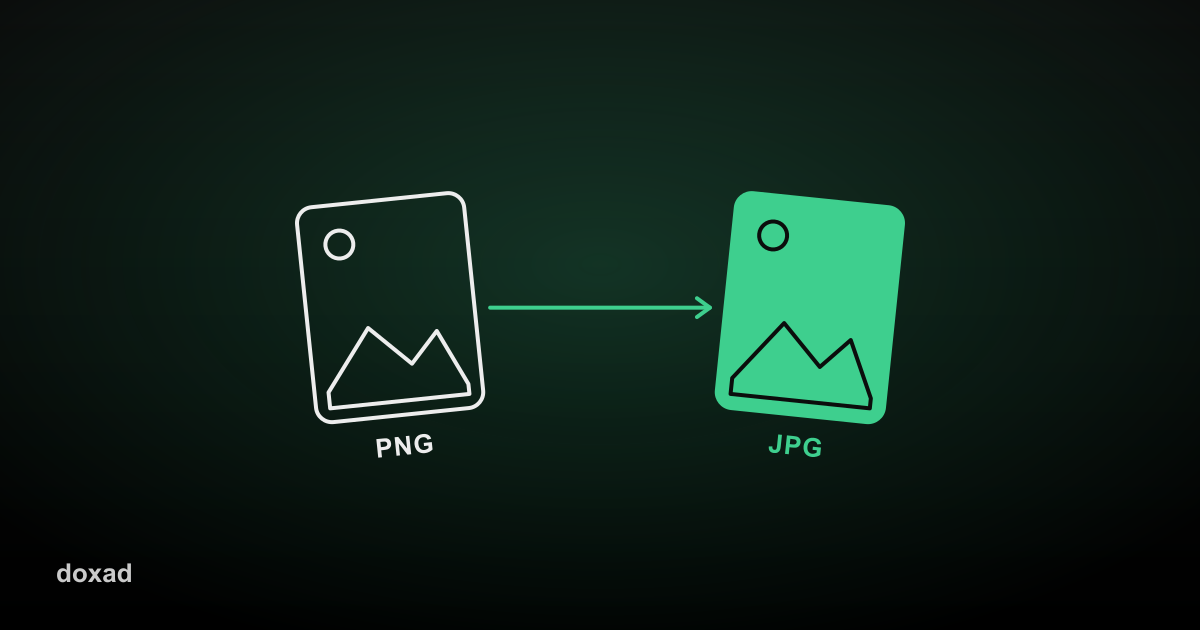
Converting PNG to JPG is mainly about file size: PNG's lossless compression makes for large files, while JPG can shrink the same image dramatically with a quality loss that's often invisible to the eye at normal viewing sizes.
Why convert PNG to JPG
- Uploading images to a website or CMS with strict file size limits.
- Sending photos by email without hitting attachment size caps.
- Reducing the total size of an image-heavy folder or webpage.
How to convert PNG to JPG
- Open Doxad's PNG to JPG converter.
- Upload your PNG image or images.
- The tool re-encodes each one as JPG, balancing size against visual quality.
- Download the smaller JPG files.
What to watch for
If your PNG has a transparent background, converting to JPG will fill that transparency with white — JPG doesn't support transparency. For screenshots and text-heavy graphics, check the result at full size afterward; if the text looks fuzzy, the original PNG may be better kept as-is or exported as PDF instead.
FAQ
Is JPG always smaller than PNG?
For photos, almost always. For simple graphics with large flat color areas, PNG can sometimes be smaller — it depends on the image content.
Can I batch convert multiple PNGs at once?
Yes, upload multiple files and each is converted independently.
What if I need to compress a JPG further?
Use the Image Compressor afterward to shrink the file size even more.