
Tips
How to Delete Pages From a PDF
Jul 18, 20266 min readby Doxad Team
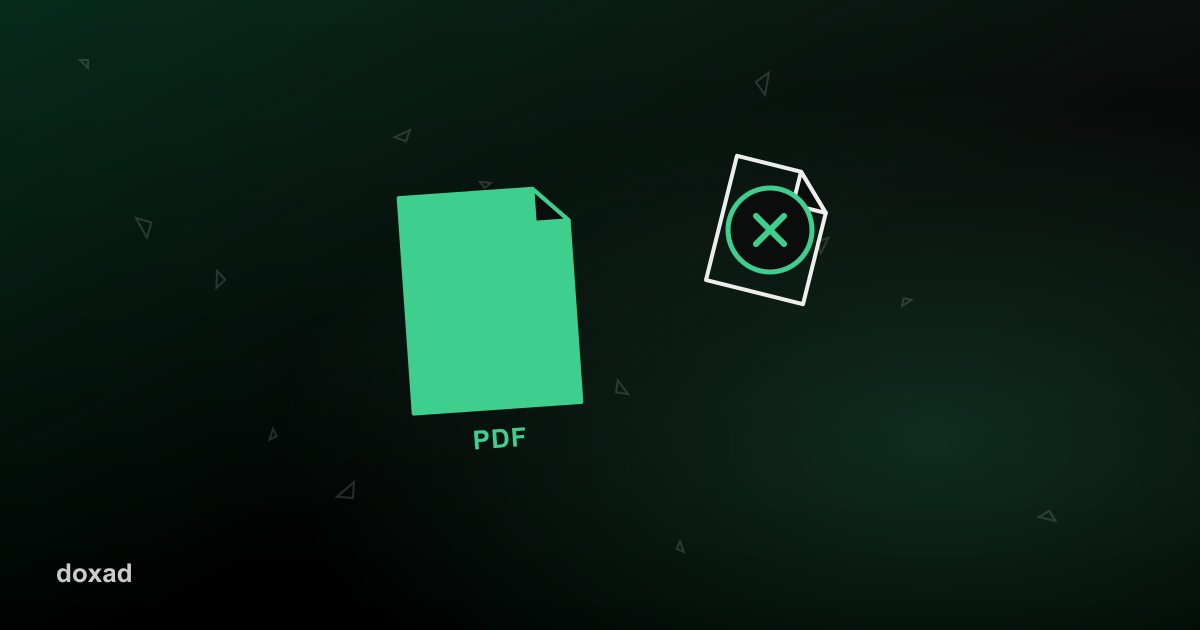
Removing pages from a PDF is one of the most common small edits people need — a blank page from a scanner, an outdated cover sheet, a duplicate — and it takes seconds once you're using a tool built for it.
When you'd remove pages
- Cleaning up a scanned document that picked up a blank or duplicate page.
- Removing an outdated cover page or table of contents before resending a document.
- Trimming a long PDF down to only the section someone actually asked for.
How to delete pages from a PDF
- Open Delete PDF Pages.
- Upload your file.
- Select the page or pages you want removed.
- Download the cleaned-up PDF — everything else stays exactly as it was.
FAQ
Does this change the quality of the remaining pages?
No — the remaining pages are untouched; only the selected pages are removed.
What if I need to remove pages from several files at once?
Process each file individually, then use the PDF Merger if you need to combine the cleaned-up files afterward.
Can I undo this after downloading?
Since this creates a new file rather than modifying the original, your source PDF is unaffected — keep a copy if you might need those pages again later.