
What Is a WebP File, and How Do You Convert It to JPG?
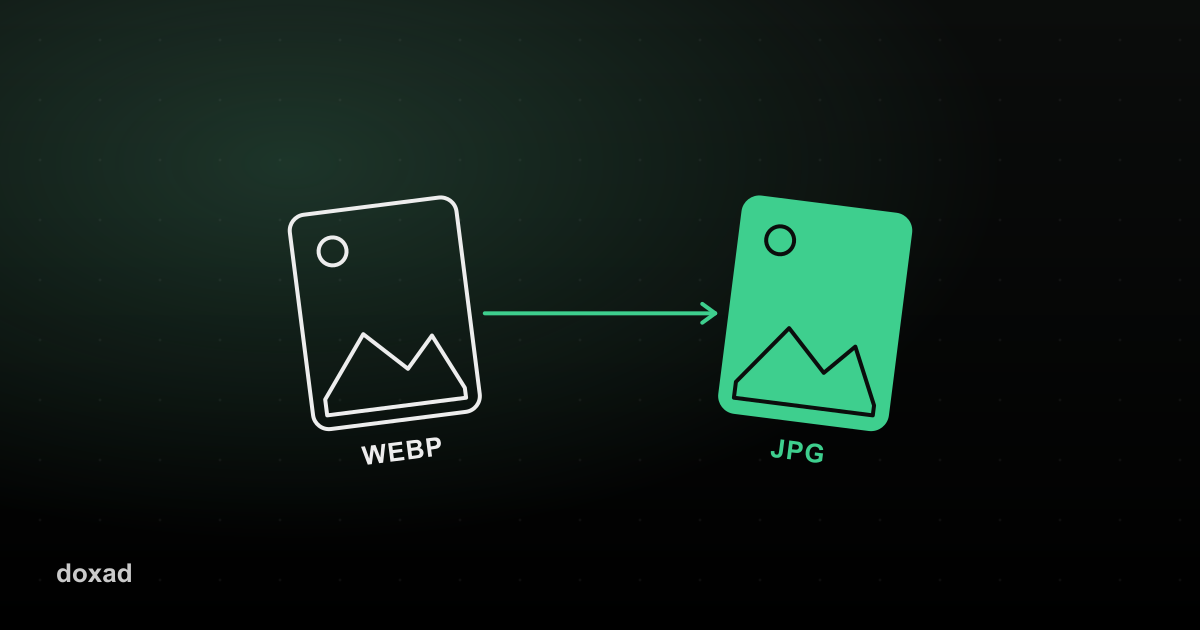
WebP is a modern image format built by Google that produces smaller files than JPG or PNG at similar quality. It's become the default format many websites use for faster page loads, but not every app, printer, or older device knows how to open it — which is when you need to convert it to JPG.
Why you might need to convert WebP to JPG
- You saved an image from a website and it downloaded as .webp, but the tool you need to upload it to doesn't accept that format.
- You're inserting the image into a document or presentation program that only supports JPG or PNG.
- You want maximum compatibility across older devices and software.
How to convert WebP to JPG
- Open Doxad's WebP to JPG converter.
- Upload your .webp file.
- It's converted to a standard JPG image.
- Download the file — it will now open anywhere a JPG is accepted.
Does converting lose quality?
There's a small amount of re-compression involved, since WebP and JPG use different compression methods, but at normal viewing sizes the difference is generally not noticeable. The tradeoff is worth it for the compatibility you gain.
FAQ
Why did my downloaded image save as WebP in the first place?
Most modern browsers and websites serve WebP by default because it loads faster — your browser saved the file exactly as the site sent it.
Can I convert WebP straight to PDF instead?
Convert it to JPG first with this tool, then use the JPG to PDF converter to build a PDF from it.