
How to Convert a Scanned PDF to an Editable Word Document (With OCR)
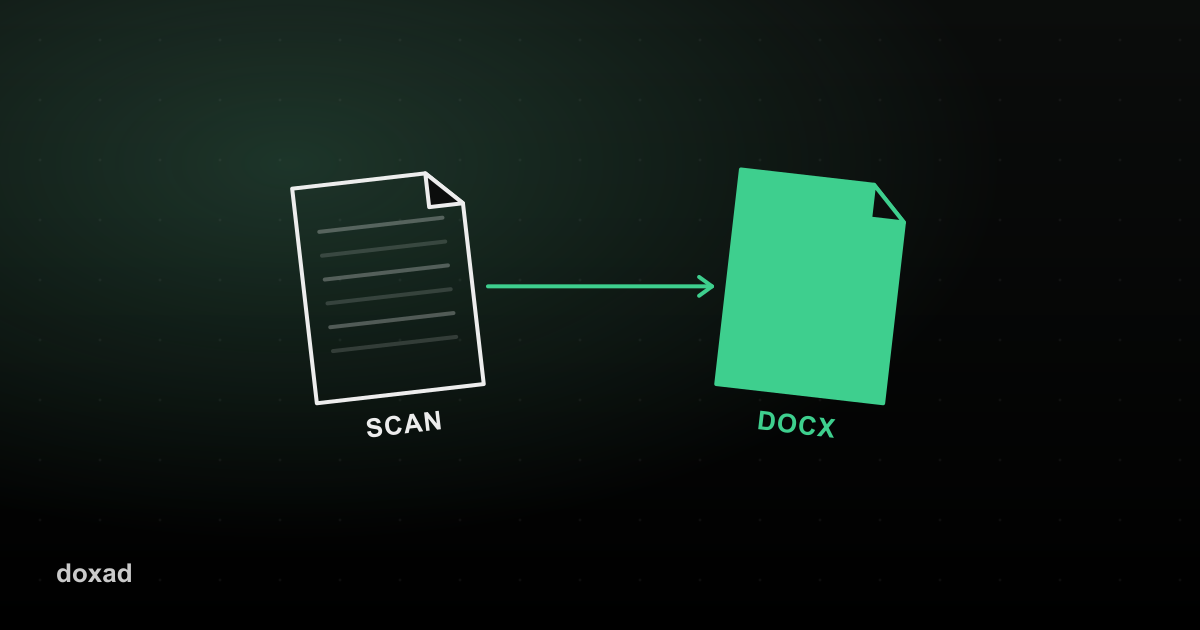
A scanned PDF is really just a photo of a page saved as a PDF — there's no selectable text underneath it. To make it editable in Word, you need OCR (optical character recognition), which reads the shapes of the letters in the image and turns them back into real, selectable, editable text.
Why you can't just 'convert' a scanned PDF normally
A standard PDF-to-Word conversion works by reading the text layer that's already embedded in the file. A scanned document has no text layer — only pixels. Feed it into a normal converter and you'll get an empty Word document, or a rough image pasted onto a page. OCR is the extra step that recovers the text.
How to OCR a scanned PDF into Word
- Open Doxad's PDF to Word tool and upload the scanned PDF.
- OCR runs automatically on scanned pages — it's read directly on your device, so nothing is uploaded just to detect the text.
- The recognized text is rebuilt into an editable Word document, laid out to match the original scan as closely as possible.
- Download the .docx file and correct any words the OCR engine misread — this is normal, especially with low-resolution scans.
Getting a better OCR result
- Scan at 300 DPI or higher if you're creating the PDF yourself — low-resolution scans are the single biggest cause of OCR errors.
- Make sure the page is straight; a heavily skewed scan confuses character recognition.
- Handwriting isn't reliably recognized by OCR — it's built for printed text.
FAQ
Does OCR work on photos taken with a phone?
Yes, as long as the text is reasonably in focus and not at a steep angle. Flatten the image and crop out the background for best results.
Is my scanned document uploaded to a server?
OCR for scanned pages runs on-device using Tesseract, an open-source OCR engine — the image itself isn't sent anywhere to detect the text.
What if some words come out wrong?
OCR accuracy depends heavily on scan quality, so proofread the result. If you're merging this document with others afterward, the PDF Merger keeps everything in one file once you're done editing.