
Why Is My PDF File So Large? How to Shrink It Without Losing Quality
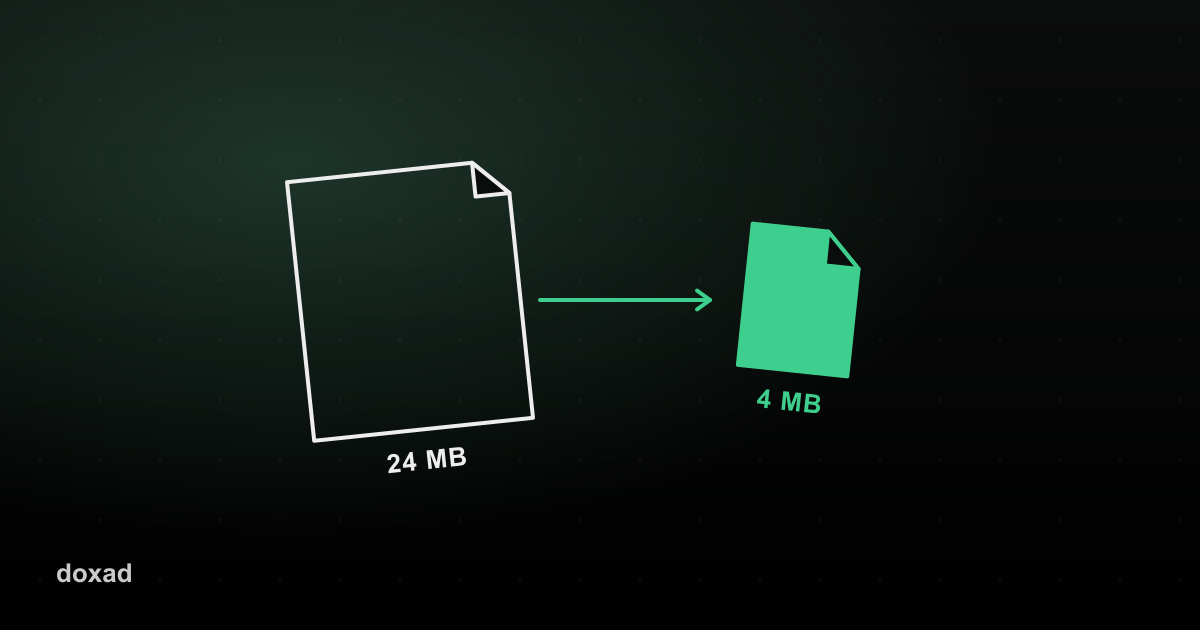
A PDF is almost always large because of the images embedded in it, not the text — a 40-page contract with no photos might be 200KB, while a 4-page flyer with high-resolution graphics can easily be 20MB. Fixing the size means fixing the images.
Why this happens
When a PDF is created from a Word document, presentation, or scan, any embedded photos or screenshots are often included at full camera or scan resolution — far higher than a printed or on-screen page actually needs. That unnecessary resolution is what balloons the file size, and most email providers cap attachments around 20–25MB.
How to shrink an oversized PDF
If the PDF is mostly scanned images
- Convert the pages to images with PDF to JPG.
- Run them through the Image Compressor to shrink each one.
- Rebuild the PDF using JPG to PDF.
If the PDF is text with a few large images
Compress the source images before they go into the document in the first place — it's faster to fix this at the source than to rebuild an already-assembled PDF page by page.
If you just need to trim unnecessary pages
Sometimes the fix isn't compression at all — removing pages you don't need or splitting the file into smaller parts solves the problem just as well.
FAQ
What's a reasonable file size for email?
Most email providers accept attachments up to 20–25MB, but for reliability across all recipients' inboxes, aiming under 10MB is safer.
Will compressing hurt the readability of text?
Text itself isn't affected by image compression — only embedded photos and scanned pages are, and quality loss is typically not noticeable at normal viewing size.